Signing in to WebFOCUS
|
How to: |
You can launch WebFOCUS from any web browser, using the address created during the installation. The sign-in page and default home page may be different depending on the configuration requirements of your organization.
To learn more about the installation process, see the WebFOCUS Installation and Configuration manual.
Procedure: How to Launch WebFOCUS
- In your browser, go to the following page:
http://hostname:port/ibi_apps
where:
- hostname:port
-
Are the host name and HTTP port of the web server or application server.
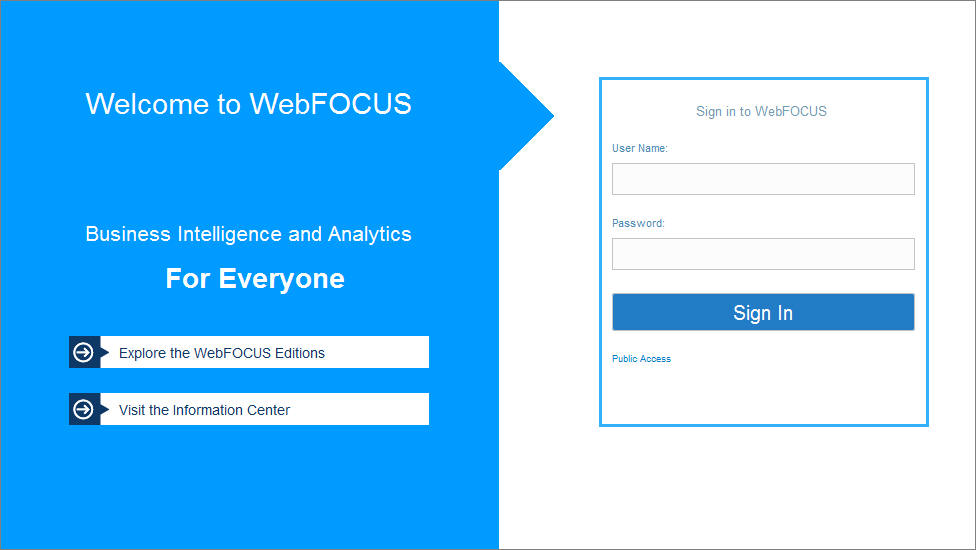
The default WebFOCUS Sign In page opens, as shown in the following image.
- Type your user name and password. For example, if you are an administrator, you can type admin/admin.
- Click Sign In.
The home page loads and shows all the content that you are authorized to see.
Note: You can also reconfigure WebFOCUS to run the Legacy Home Page or a custom welcome page after sign-in. This behavior is configured by setting the Redirect /ibi_apps to setting on the BI Portal page, in the Administration Console.
| WebFOCUS | |
|
Feedback |