Properties Panel
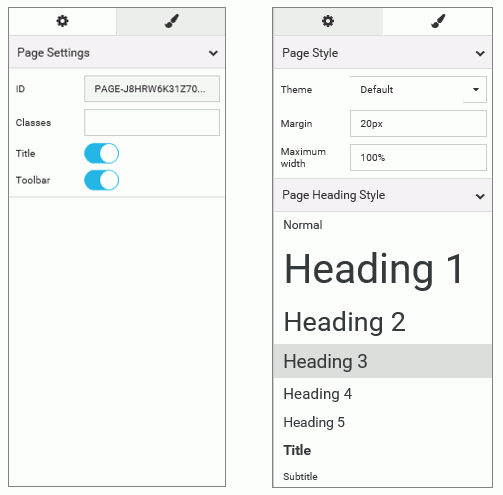
You can use the Properties panel to configure properties for the element that you selected on the page. An example of the Properties panel for a page is shown in the following image. Under the Settings tab, you can toggle title and toolbar visibility. Under the Style tab, you can configure page style and page heading.
| WebFOCUS | |
|
Feedback |